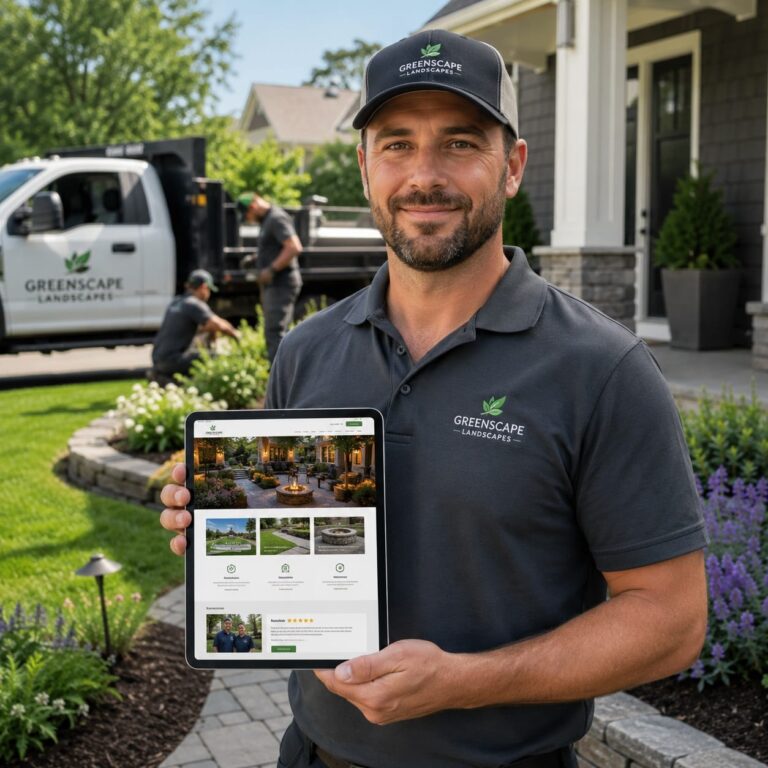

Your website is costing you jobs if a homeowner cannot tell, in ten seconds, what you do, where you work, and why they should trust you.
Most landscaping companies are not losing leads because the work is bad. They are losing them because the online message is muddy. A visitor sees a few old photos, a vague service list, and maybe a phone number. That is not enough to make someone call instead of moving on to the next company.
Clear wins over clever online. Homeowners want to know if you handle their kind of yard, their kind of budget, and their kind of problem. They are not shopping for poetry.
If your site sounds like every other landscaper in town, you are asking people to guess.
Make the service list easy to scan
A homeowner should know in one glance what you handle, what you skip, and who is a fit. That means a plain service list, grouped by real jobs, not a pile of vague labels.
Use headings people actually search for, like lawn mowing, mulching, spring cleanup, planting, and small hardscape work. If you only take certain jobs, say so. If you do not install irrigation, remove trees, or take on steep-slope grading, say that too. Confusion costs calls.
Good service pages also set boundaries. A homeowner with a 12 by 14 foot patio project should know if you handle that kind of work or only larger installs. Someone in an HOA neighborhood may need to know if you can work within rule limits, and a rural property owner may want to know if you service larger lots.
If every job is listed as “we do it all,” most people assume you do not specialize in anything.
That is where a simple page helps. Short descriptions under each service can explain the type of yard, the size of project, or the season it fits. A line like “best for weekly maintenance on residential yards under 1 acre” does more work than a polished slogan.
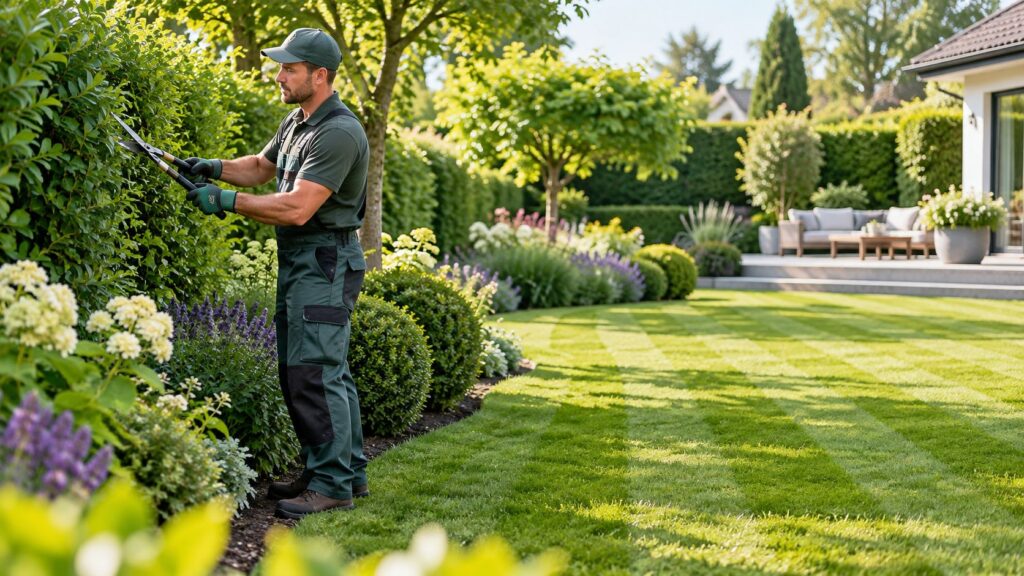
If you want a deeper example of structure, a page built like a clear website for a landscaping business shows how service details and trust signals can work together. Keep the page practical. Homeowners are scanning for fit, not reading a brochure.
- List only the services you want more of, and group them by maintenance, installs, and seasonal work.
- State what you do not offer, so unqualified leads do not waste your time.
- Add one line under each service about property size, season, or job type.
Key takeaways
- Group services by job type so homeowners can scan the page fast.
- Say what you do not offer to avoid calls from poor-fit projects.
- Add size, season, or property details under each service for quick qualification.
Use plain words instead of trade jargon
Homeowners do not call because they are impressed by industry language. They call when they understand, fast, what you do and whether it fits their yard.
Say “weekly lawn care” instead of “full-service turf management.” Say “mulch installation” instead of “bed refresh and enhancement.” Plain words feel direct because they are direct. No one is trying to decode your website after work.
That matters even more on mobile. A person standing in the driveway with a phone in hand is skimming for answers, not studying your vocabulary. If your offer sounds fuzzy, they assume the service itself is fuzzy.
If a homeowner has to guess what a service means, they usually keep scrolling.
Simple wording also helps you get better calls. A homeowner with a small front yard may skip a company that sounds geared for large commercial properties. A property owner with a slope, drainage issue, or HOA rules can tell faster if you are a fit.
If you want the offer to feel even clearer, use short phrases that answer three questions:
- What do you do?
- Who is it for?
- What kind of job is a good fit?
A line like “lawn mowing for residential yards under 1 acre” does more work than a long paragraph full of buzzwords. So does “spring cleanup for homes in HOA neighborhoods” or “patio installs for small backyards.” That kind of language helps people picture the job in their own yard.
Clear wording also supports a clear website for a landscaping business because the message, the services, and the trust signals all point the same way. When the offer is plain, the call is easier to make.

Show proof beside each service
A service page gets stronger when it shows the work, not just the promise. A homeowner wants to see what a finished yard actually looks like in a real neighborhood, with real trees, fences, slopes, and mess.
Before and after photos do a lot of heavy lifting. Keep them honest. Same angle. Same light if you can. A clean lawn strip, a mulched bed, or a 12 by 14 foot patio reads better when people can see the change for themselves. Fancy editing is not the point.
Short job notes help too. A few words under the photos can explain the problem, the fix, and the size of the job. For example, “poor drainage near the back steps,” “weekly mowing on a half-acre lot,” or “planting that works in USDA Zone 7 and fits HOA height limits.” That kind of detail makes the work feel real.
People trust what they can verify faster than what they are asked to admire.
Reviews matter more when they talk about the actual job. A short quote about showing up on time, cleaning up well, or handling a tricky slope says more than a five-star badge alone. If a customer mentions a tight side yard, a wet spot after rain, or a city permit issue, that is useful proof.
Local details make the offer feel grounded. Say the neighborhoods, lot sizes, or climate issues you know well. A homeowner in a windy part of town or a yard with heavy clay soil wants to know you have seen that problem before. That is part of a clear website for a landscaping business, and it helps the page feel like it was written by someone who actually works there.
If you want to keep it simple, pair every service with three things:
- One photo set from a real job.
- One short note about the problem or scope.
- One review or local detail that proves you have done it before.
| Option | Typical cost | Best for |
|---|---|---|
| Before and after photo set | $0 to $200 if you do it yourself, $300 to $800 if you hire help | Showing visible results on mowing, cleanup, mulch, and small installs |
| Short job notes under photos | $0 to $150 | Explaining scope, property size, and site challenges |
| Customer reviews on service pages | $0 to $100 for setup and formatting | Building trust for homeowners comparing two or three companies |
| Local details and neighborhood context | $0 to $250 | Making the service feel relevant to local soil, climate, and HOA rules |
Match the page to real buying questions
A homeowner usually has a short list in mind before they call. They want to know what the job costs, how soon you can get there, and whether you handle yards like theirs.
If your page skips those basics, people start guessing. A $250 mow, a $3,000 landscape cleanup, and a $12,000 patio install are all different calls. Put a price range or at least a price signal on the page so the visitor can tell if they are in the right ballpark.
Timing matters too. Spring cleanup, fall leaf removal, and sod work all have a season. If you only mention services without saying when they make sense, you leave the homeowner to do the work of figuring it out. That is where a lot of calls get lost.
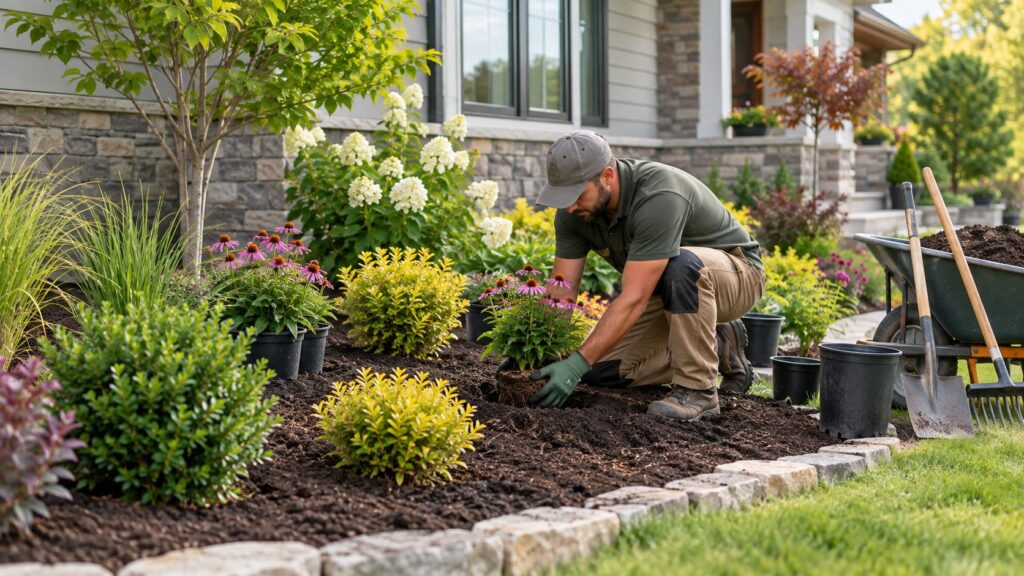
Yard size is another filter. A lot of homeowners are trying to figure out if you want a quarter-acre lot, a one-acre property, or a tight city yard with no side access. Say it plainly. The same goes for HOA limits, permit needs, steep grades, and drainage issues.
Here is the kind of information people scan for fast:
- Starting price or price range.
- Typical job size or lot size.
- Best season for the work.
- Any HOA, permit, or access limits.
That kind of detail does more than fill space. It saves time for both sides. A homeowner who sees “spring mulch for front beds under 1,000 square feet” knows right away if the service fits. No guessing, no awkward phone tag.
Most people do not call after reading every word. They call after finding the few details that answer their real question.
If you want the page to work harder, tie those details back to the service area and the kind of yard you actually handle. That is part of a clear website for a landscaping business, and it keeps the right people from bouncing before they ever reach out.
From the field
Homeowners are not grading your craftsmanship from a website. They are trying to figure out, fast, if you do the kind of work they need, in the area they live, for a job size that makes sense. A plain page with real photos and a clear service area usually beats a prettier site that hides the basics. In practice, clarity gets the first call. Polish only matters after the visitor understands you are the right fit.
Organize pages so people can call fast
Your site should work like a yard sign with better details. A homeowner should land on the right service in one or two clicks, not hunt through a menu full of vague tabs.
Start with a simple top menu: mowing, cleanup, mulch, planting, drainage, hardscaping, and contact. If you do larger projects, keep those separate from routine maintenance. A person looking for a one-time leaf cleanup does not want to sort through patio photos first.
Each service page should answer three questions fast: what you do, who it is for, and how the job usually starts. Put the contact button near the top and again near the bottom. On mobile, that matters more than fancy design. Most people will call from a phone while standing in the driveway or at the kitchen table.
- Use one page for each main service, not one giant list.
- Put service areas in the footer and on the contact page.
- Keep the phone number visible on every page.
- Use one form with a few fields, not a long questionnaire.
If you serve different kinds of customers, separate those paths too. A homeowner with a half-acre lot, an HOA, and a drainage problem needs different information than someone asking for weekly mowing. That is where a short service description and a few real job photos help filter the right lead.

A good site does not try to impress everyone. It helps the right person find the right page and make a quick decision.
Keep the contact page plain. Name, phone, service area, hours, and a short form are enough for most local work. If you want to improve being easier to find online, this structure helps search engines and real people at the same time. It also makes your business feel organized, which is a big deal when a homeowner is comparing two companies that both say they “do it all.”
For contractors who want a stronger foundation, this fits into a broader plan for contractor growth and local visibility. The goal is simple. Fewer clicks, clearer pages, faster calls.
What should a landscaping services page include?
A good services page gives a homeowner enough detail to decide if you are the right fit. It should say what you do, where you do it, and what kind of job you are set up for. If the page is too thin, people assume the work is vague too.
Start with the basics: the service name, a short plain-English description, and a few photos of real jobs. Then add the details people actually use to compare companies, like yard size, season, access limits, and any HOA or permit issues. Clarity builds trust faster than fancy wording.
One strong page can do a lot if it answers the right questions. A homeowner should be able to scan it and know, “Yes, this fits my yard,” or “No, this is for a bigger project.” That saves time on both sides. Confusion usually costs more than the job itself.
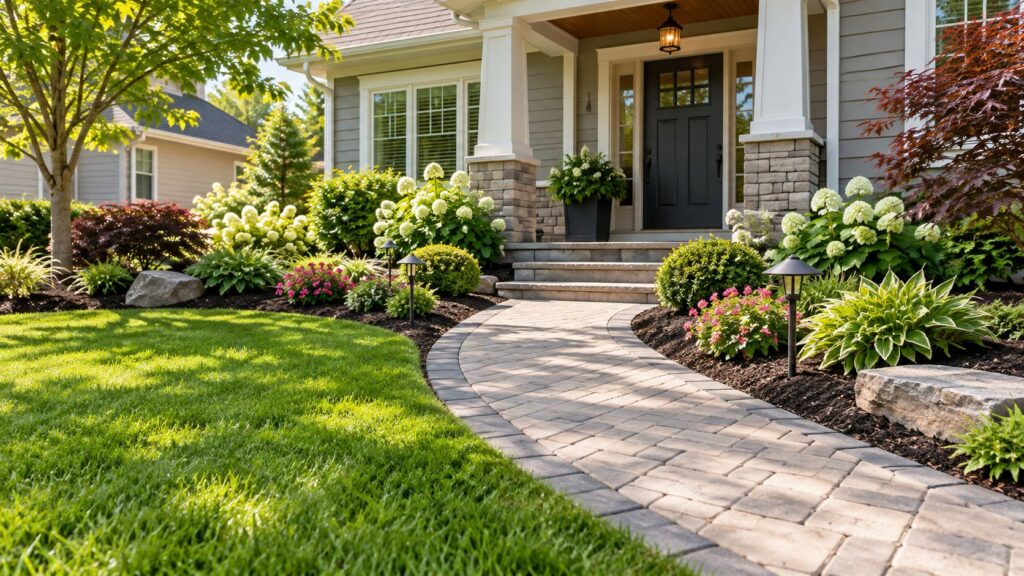
If your page sounds like every other contractor page, people keep shopping. If it sounds like your actual crew and your actual work, they are more likely to call.
For trust, include a few proof points near the service description:
- Before-and-after photos from jobs like theirs.
- Service area and typical property type.
- Price range or starting price when you can give one.
- Simple next step, like a call or short form.
What is the rule of 3 in landscaping?
The rule of 3 means using three main elements to make a landscape feel balanced and easy to understand. On a services page, that same idea works well. Show three clear things, like the service, the type of property, and the proof. It keeps the page focused and easier to scan.
Is $100 an hour too much for landscape work?
No, $100 an hour is not automatically too much for landscape work. It depends on the job type, crew size, equipment, and local labor costs. A simple mow is different from drainage work, grading, or a hardscape repair. Homeowners usually judge value by results and clarity, not just the hourly rate.
How do I make my landscaping company stand out?
Make your company stand out by being specific about the work you actually want. Show real photos, name the job types you handle best, and explain what kinds of yards you prefer. A clear service page feels more trustworthy than a generic one. That is what gets remembered after the first visit.
How to get more clients as a landscaper?
Get more clients by making it easier for the right people to say yes. Clear service pages, visible contact info, and proof from real jobs help a lot. If your site quickly answers price, yard size, season, and service area, you spend less time on bad leads and more time on calls that can turn into work.
Should I list every service on one page?
No, separate your main services into their own pages when you can. One long page gets hard to scan, especially on a phone. A homeowner looking for mulch does not want to sort through patio work first. Separate pages help people find the right fit faster and make your business look more organized.